If you’ve ever wondered how does the HP Instant Ink work, you’re not alone. Many printer users are switching to subscription-based ink plans to save time, money, and hassle. Instead of buying cartridges whenever you run out, HP offers a smart solution that automatically delivers ink before you need it.
In this guide, you’ll learn what HP Instant Ink is, how it works step by step, why it’s important, and whether it’s the right choice for you. We’ll also cover the advantages, disadvantages, and real-life examples, plus answer common questions beginners usually have.
🖨️ What is HP Instant Ink?
HP offers Instant Ink as a monthly subscription service for printer ink. Instead of paying for ink cartridges directly, you pay a small monthly fee based on the number of pages you print.
✅ You don’t pay for cartridges.
✅ You don’t pay for the amount of ink.
✅ You only pay for the number of pages printed.
This makes it simple and predictable—whether you’re printing school assignments, work documents, or family photos.
🔍 How Does the HP Instant Ink Work?
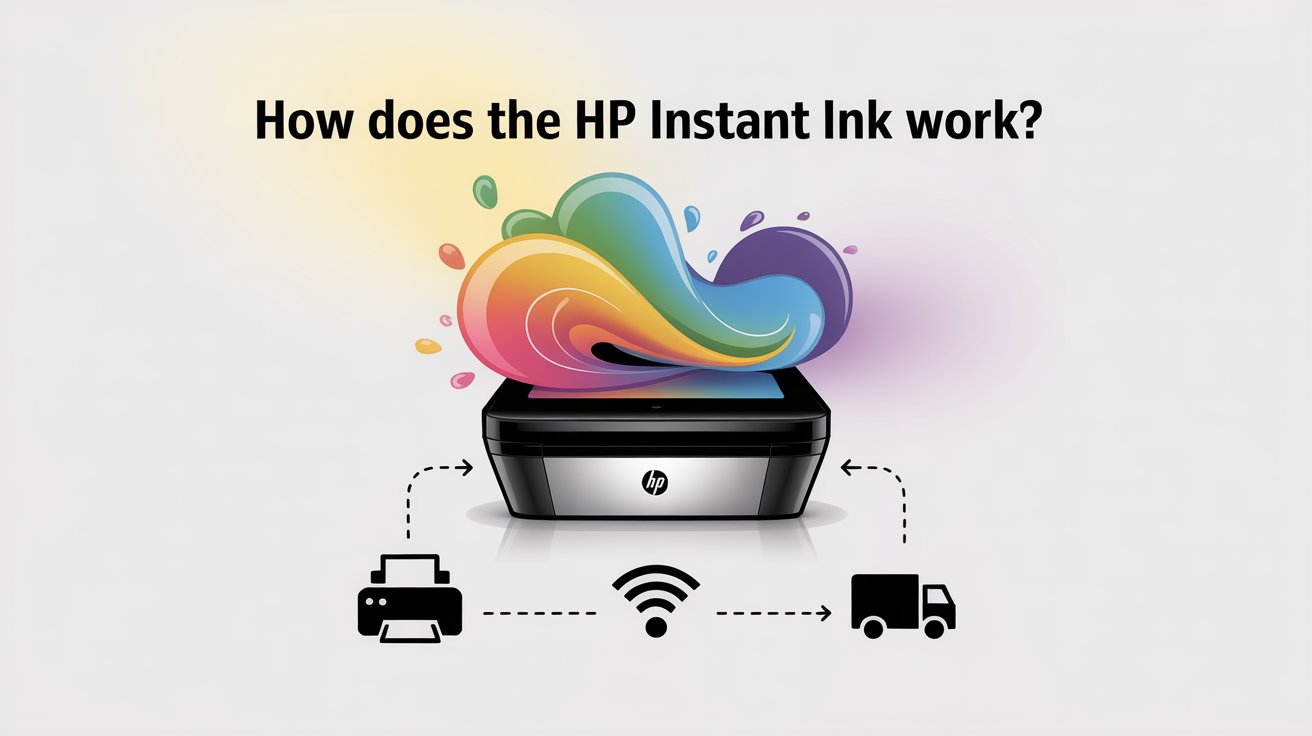
To understand how does the HP Instant Ink work, let’s break it down step by step:
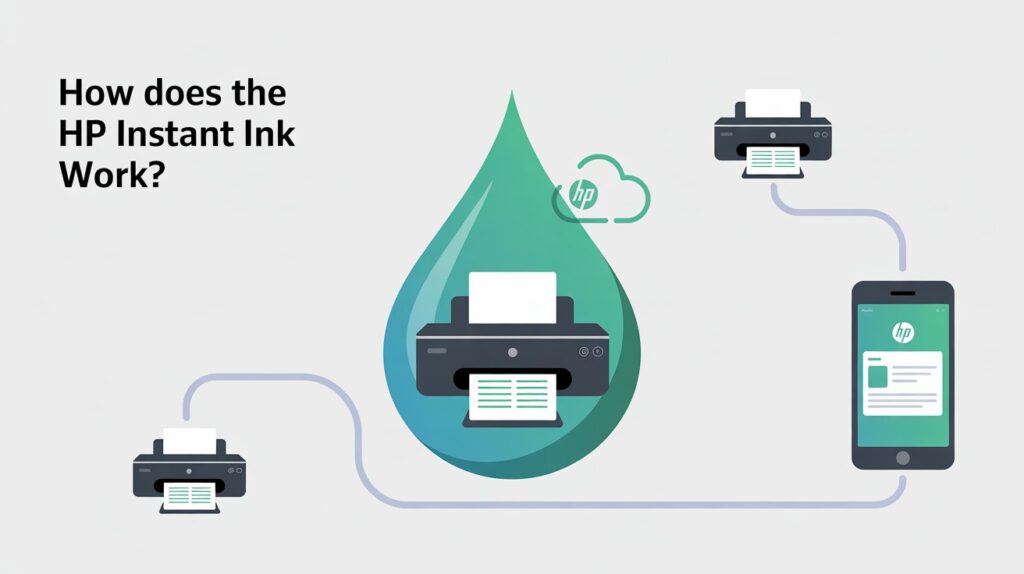
1. 📲 Sign Up for HP Instant Ink
- Choose a compatible printer (HP DeskJet, OfficeJet, ENVY, etc.).
- Register online and pick a monthly plan (based on how many pages you print).
2. 🖨️ Your Printer Tracks Ink Levels
Your printer connects to the internet and automatically communicates with HP. It tells HP when ink levels are low.
3. 📦 Ink Delivered to Your Door
Before your cartridges run out, HP ships replacement cartridges directly to your home.
4. 📱 Manage Everything with HP Smart App
You can track ink usage, check your subscription, and even adjust your plan using the HP Smart App.
💡 Why is HP Instant Ink Important?
Understanding how HP Instant Ink works matters because:
- Many people waste money by buying expensive ink cartridges at the last minute.
- Running low on ink when you need to print something important can be really annoying.
- Predictable costs help you budget for home or office printing.
- HP takes care of recycling used cartridges, so it’s eco-friendly.
⭐ Key Benefits of HP Instant Ink
Here are the biggest advantages of using this service:
✅ Convenience
No more last-minute trips to the store. Ink is delivered automatically.
✅ Cost Savings
Plans often cost less than buying cartridges individually, especially if you print a lot.
✅ Predictable Monthly Fee
You pay based on pages printed, not how much ink you use.
✅ Eco-Friendly
HP offers prepaid envelopes so you can return used cartridges for recycling.
✅ Flexibility
You can change, pause, or cancel your plan anytime.
⚖️ Advantages and Disadvantages
Like any service, HP Instant Ink has pros and cons.
👍 Advantages
- Automatic ink delivery.
- Cheaper for high-volume printing.
- No stress about running out of ink.
- Easy to manage via the HP Smart App.
👎 Disadvantages
- Requires an internet connection.
- Only works with eligible HP printers.
- Monthly fees continue even if you don’t print much.
- Page limits—unused pages may not carry over (depending on your plan).
📊 Example: How the Plans Work
Let’s say you choose the 50-page plan:
- Cost: around $4.99/month.
- You can print up to 50 pages, whether black & white or full color.
- If you go over, you can buy extra sets of pages for a small fee.
Example: Printing 10 color photos = 10 pages. Printing 10 text documents = 10 pages. Color doesn’t matter—it’s all counted per page.
🔗 Related Services and How They Work
Since many people also ask about other HP printing solutions, here’s a quick look:
📧 How Does HP ePrint Work?
HP ePrint lets you send documents to your printer via email. You email the file to your printer’s unique address, and it prints automatically.
📱 How Does HP Smart App Work?
The HP Smart App allows you to:
- Print from your phone.
- Check ink levels.
- Manage your HP Instant Ink plan.
- Scan and share documents easily.
🖼️ How Does HP Smart Print Work?
HP Smart Print helps save ink and paper by letting you print only what you need from websites—removing ads or unnecessary images.
🎯 Should You Use HP Instant Ink?
You should consider HP Instant Ink if:
- You print regularly (work, school, or personal use).
- You don’t want to stress about running out of ink.
- You want predictable printing costs.
However, if you rarely print, a subscription might not be necessary. In that case, buying cartridges when needed could be cheaper.
❓ FAQs About How HP Instant Ink Works
1. How does HP Instant Ink save me money?
Because you’re charged per page, printing full-color photos costs the same as printing black-and-white text. This is often cheaper than buying separate cartridges.
2. Can I cancel HP Instant Ink anytime?
Yes, you can cancel or change your plan anytime through your HP account or the HP Smart App.
3. What happens if I print more pages than my plan?
If you exceed your plan, HP automatically charges you a small fee for additional page sets. You’ll never be cut off mid-print.
📝 Conclusion
Now you know exactly how does the HP Instant Ink work. It’s a smart subscription service that automatically delivers ink, helps you save money, and ensures you never run out. By combining HP Instant Ink with tools like HP ePrint, HP Smart App, and HP Smart Print, you can make printing easier, cheaper, and more eco-friendly.
If you want stress-free printing with predictable costs, HP Instant Ink is worth trying.
🚀 Takeaway: Sign up today and enjoy hassle-free printing!