If you’ve ever wondered how does a toner printer work, you’re not alone. Toner printers (commonly known as laser printers) are widely used in offices, schools, and even homes because of their speed, accuracy, and long-lasting print quality. Unlike inkjet printers that spray liquid ink onto paper, laser printers use powdered toner along with a laser and drum unit to produce sharp, professional-quality prints.
In this guide, we’ll break down what a toner printer is, its main components, how it works step by step, its advantages, limitations, and real-life uses. By the end, you’ll clearly understand why toner printers are so popular and whether one might be right for you.
🖨️ What Is a Toner Printer?
A toner printer is a type of printer that uses toner powder instead of liquid ink. Toner is a fine, electrostatically charged powder that fuses onto paper with the help of heat and pressure.
These printers are often referred to as laser printers because a laser beam is used to create the image or text pattern on the drum before the toner is applied.
✅ Simple definition: A toner printer uses a laser beam, an electrostatic drum, and heat to transfer powdered toner onto paper, producing sharp, durable prints.
⚙️ Main Components of a Toner Printer
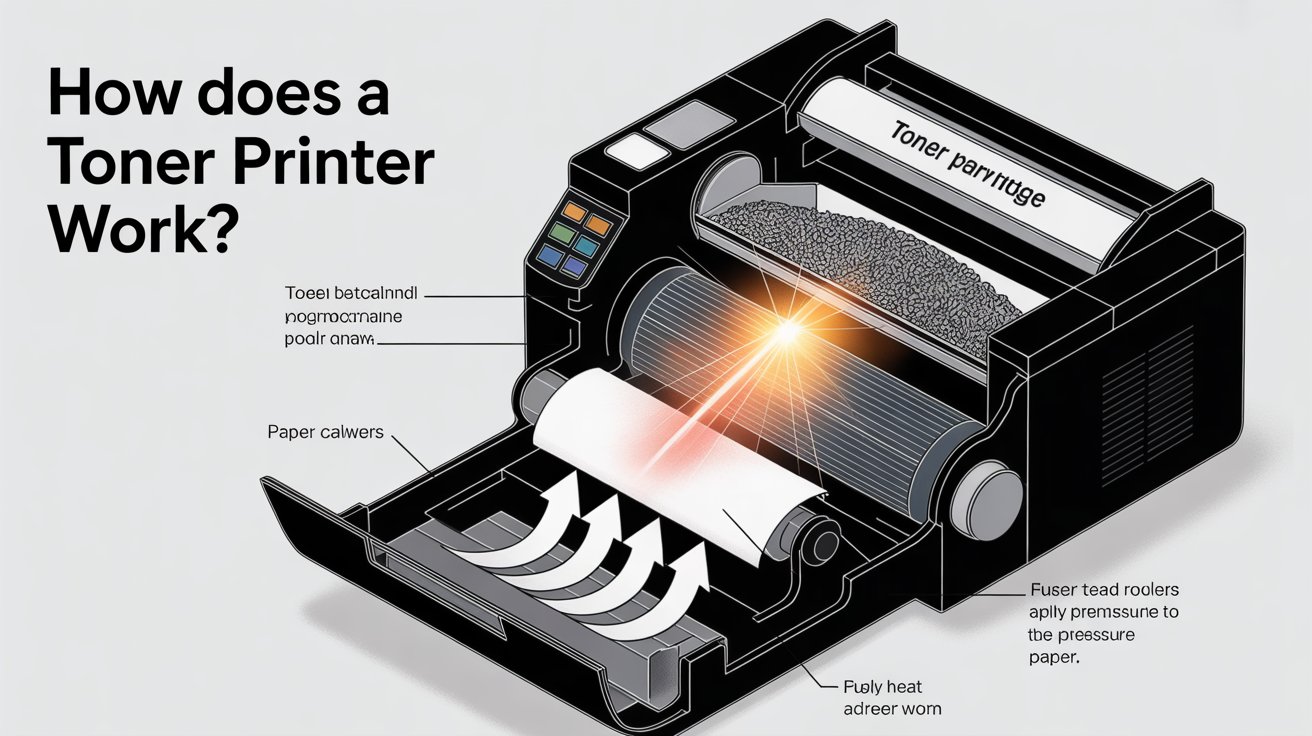
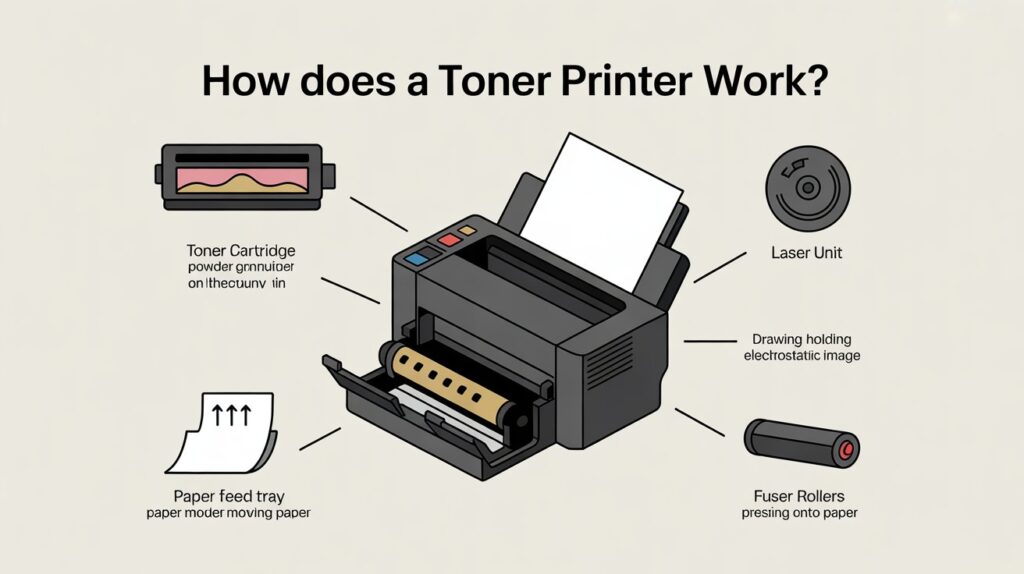
To understand how does a toner printer work, it’s important to know the key parts involved:
- Toner Cartridge 🎨 – Contains the toner powder (black or colored).
- Laser Unit 🔦 – Projects a laser beam to create an image pattern.
- Drum Unit 🥁 – A photosensitive cylinder that holds the electrostatic image.
- Fuser Unit 🔥 – Uses heat and pressure to permanently fuse toner to paper.
- Paper Feed System 📄 – Pulls paper from the tray and guides it through the printing process.
- Transfer Roller/Belt ⬛ – Moves toner from the drum onto the paper.
Each component plays a role in delivering the final print.
🔍 Step-by-Step: How Does a Toner Printer Work?
Let’s break it down in a beginner-friendly way.
Step 1: Sending the Print Command
- You hit Print on your computer or phone.
- The printer receives digital data and prepares to process it.
Step 2: Laser Creates the Image
- The laser beam projects onto the drum unit.
- Wherever the laser hits, it changes the drum’s electrical charge, creating an invisible “blueprint” of your document.
Step 3: Toner Powder Sticks to the Drum
- The toner cartridge releases fine toner powder.
- Charged toner particles are attracted to the laser-drawn areas on the drum.
Step 4: Toner Transfers to Paper
- The paper feed rolls paper across the drum.
- The toner sticks to the paper in the exact shape of your text or image.
Step 5: Fusing the Toner
- The fuser unit applies heat and pressure.
- Toner particles melt and bond permanently with paper fibers.
Step 6: Paper Ejection
- The finished sheet exits the printer tray, ready to use.
👉 That’s how a toner printer transforms digital files into high-quality physical prints in seconds.
🌟 Why Is Understanding Toner Printing Important?
Knowing how does a toner printer work helps you:
- Choose the right printer for your needs.
- Understand why toner printers are better for bulk printing.
- Troubleshoot common issues like paper jams or faded prints.
✅ Advantages of Toner Printers
Toner printers are popular for good reasons:
- ⚡ Fast Printing – Print dozens of pages per minute.
- 💰 Cost-Efficient in Bulk – Lower cost per page compared to inkjet printers.
- 🖼️ High Print Quality – Sharp text and professional graphics.
- 🧾 Durability – Prints don’t smudge easily.
- 🛠️ Low Maintenance – Toner cartridges last longer than ink cartridges.
⚠️ Limitations of Toner Printers
While powerful, toner printers also have drawbacks:
- 💸 High Upfront Cost – Laser printers are more expensive to buy.
- 📦 Large Size – They’re bulkier than inkjet printers.
- 🎨 Limited Photo Quality – Great for documents but not ideal for high-resolution photo printing.
- 🔊 Noise Level – Some models can be noisier in operation.
🏢 Common Uses of Toner Printers
You’ll usually see toner printers in places where speed and volume matter:
- 🏫 Schools & Universities – For exams, assignments, and reports.
- 🏢 Offices – Printing contracts, invoices, and business documents.
- 🏬 Businesses – Bulk receipts, flyers, and forms.
- 🏠 Homes – For those who print large documents regularly.
📊 Toner Printer vs. Inkjet Printer
| Feature | Toner Printer (Laser) ⚡ | Inkjet Printer 💧 |
|---|---|---|
| Print Speed | Very fast | Slower |
| Cost Per Page | Low (for bulk) | Higher |
| Print Quality | Sharp text, decent graphics | Excellent for photos |
| Initial Price | Higher | Lower |
| Cartridge Lifespan | Long | Short |
| Best For | Offices, bulk printing | Photos, home use |
🧩 Real-Life Example
Imagine you’re running a small office where you print 500+ pages every week.
- With an inkjet, you’d constantly replace cartridges.
- With a toner printer, you’d enjoy fast speeds, crisp text, and long-lasting toner cartridges, making it much more efficient and cost-effective.
🙋 FAQs About Toner Printers
1. How does a toner printer work differently from an inkjet printer?
Toner printers use powdered toner and heat to bond text onto paper, whereas inkjet printers apply tiny droplets of liquid ink. Toner printers are quicker and more suitable for high-volume printing.
2. How long does toner last?
Toner cartridges can last for thousands of pages depending on your printer model and usage, often much longer than ink cartridges.
3. Can toner printers print in color?
Yes, many color laser printers use multiple toner cartridges (cyan, magenta, yellow, and black) to produce vibrant prints, though not as detailed as inkjets for photos.
📌 Final Thoughts
So, how does a toner printer work? Simply put, it uses a laser beam to form an image on a drum, applies toner powder to the paper, and then seals it with heat and pressure. This method makes toner printers perfect for fast, economical, and professional-quality printing.
If you’re someone who prints in large volumes, choosing a toner printer can save you time, money, and frustration.