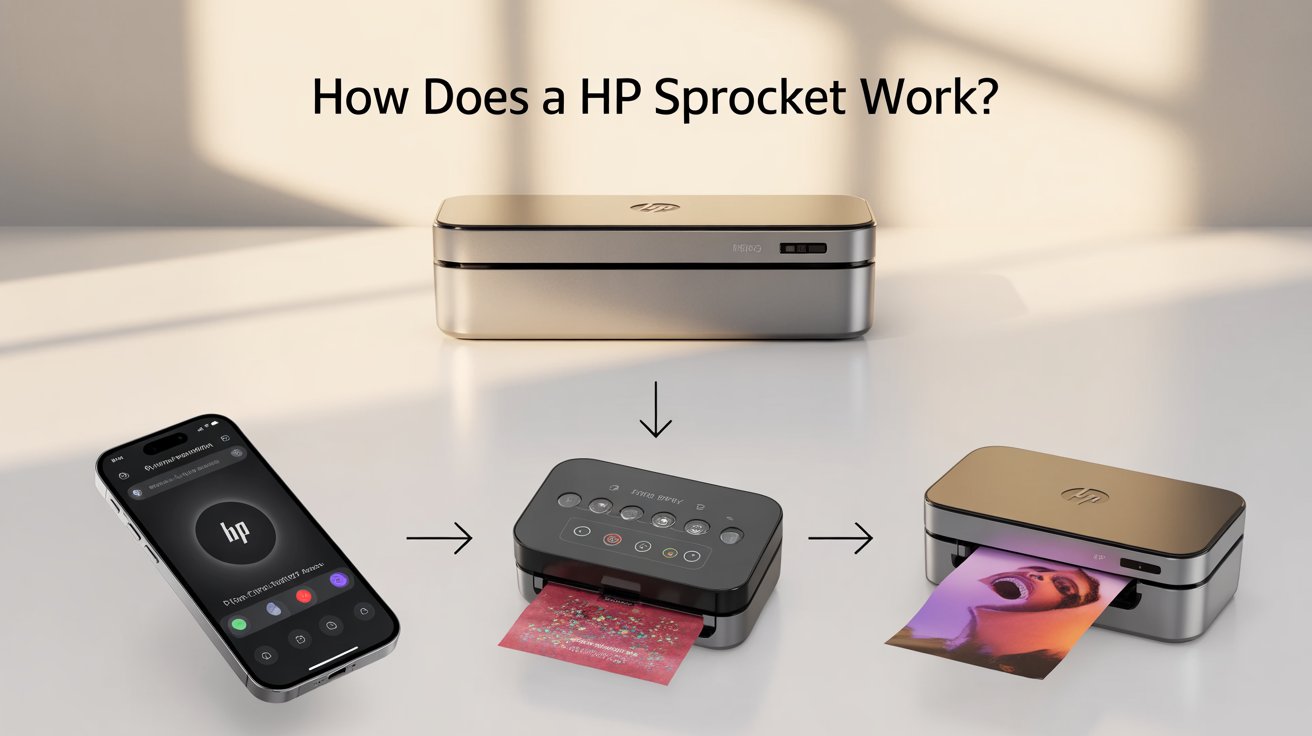
If you love snapping photos on your phone and want to turn them into instant prints, you may have heard of the HP Sprocket. But how does a HP Sprocket work, and why is it such a favorite among photo lovers? In this guide, you’ll learn exactly what the HP Sprocket is, the technology behind it, and whether it’s the right pocket-sized printer for you.
📸 What is the HP Sprocket?
The HP Sprocket is a small, portable photo printer made for instant printing from your smartphone or tablet. Unlike regular printers, it doesn’t require ink cartridges. Instead, it uses ZINK (Zero Ink) photo paper, which has dye crystals embedded within the sheet.
Think of it as a modern twist on the old-school instant camera — except this time, your phone is the camera, and the Sprocket is the printer that makes it all come to life.
🔍 How Does a HP Sprocket Work?
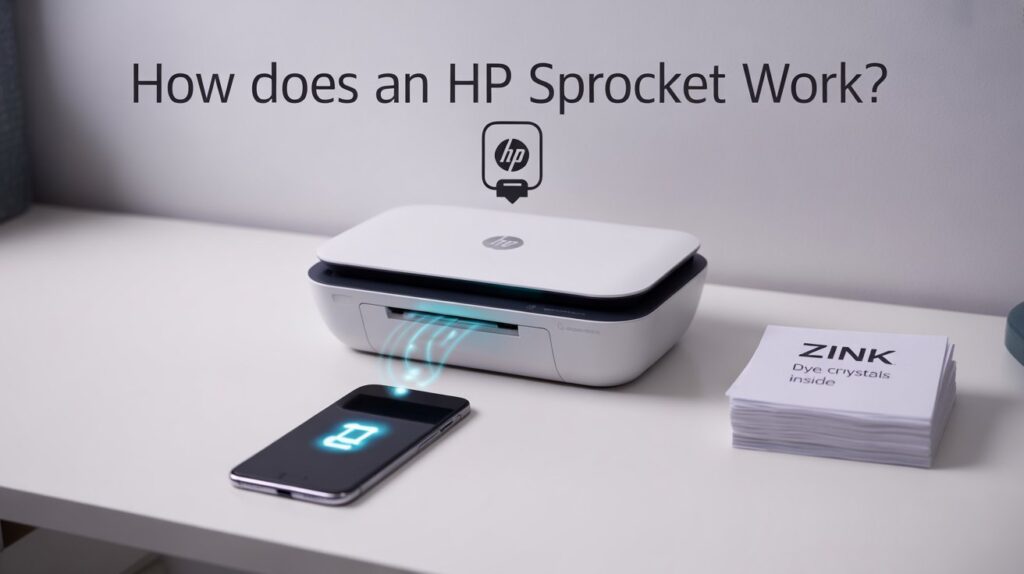
At its core, the HP Sprocket works using ZINK printing technology. Here’s a step-by-step breakdown:
1. Load the ZINK Paper
- The special ZINK photo paper goes into the printer.
- Every sheet contains built-in dye crystals along with a protective coating.
2. Connect via Bluetooth
- Connect the HP Sprocket to your smartphone via Bluetooth.
- Open the HP Sprocket app, available for iOS and Android.
3. Choose and Edit a Photo
- Select a photo from your camera roll, Instagram, or Facebook.
- Add filters, frames, text, or stickers using the app.
4. Heat Activation of Dye Crystals
- The printer’s thermal printhead applies precise heat.
- Different heat intensities activate the dye crystals (cyan, magenta, yellow) inside the ZINK paper.
- The photo gradually forms on the sheet.
5. Instant Print Out
- Within seconds, your photo slides out.
- No ink, no smudges, and no waiting for drying.
✅ That’s the magic of HP Sprocket: no ink, just heat and smart paper technology.
⚙️ The Technology Behind HP Sprocket
To understand better how does HP Sprocket work, let’s look at ZINK paper technology:
- Zero Ink: No cartridges or toner are needed.
- Dye Crystals: Each sheet is packed with millions of microscopic dye crystals.
- Heat Precision: The printer heats up these crystals at different levels, activating specific colors.
- Durable Photos: Prints are smudge-proof, water-resistant, and tear-resistant.
Essentially, the paper does all the heavy lifting, while the printer simply activates the hidden colors.
🎯 Why is HP Sprocket Important?
HP Sprocket brings a unique blend of convenience, creativity, and fun to your everyday life. Here’s why it matters:
- Instant Memories: Print photos during parties, trips, or family gatherings.
- Compact Size: Fits in your pocket or bag, unlike bulky printers.
- Ink-Free: Saves you from buying and replacing ink cartridges.
- Creative Freedom: With the HP app, you can personalize photos before printing.
🌟 Key Benefits of Using HP Sprocket
- 📱 Wireless Printing – Connect easily with your phone over Bluetooth.
- 🖼️ Customizable Prints – Add text, emojis, and filters through the app.
- 👜 Portable Design – Perfect for travel, events, or gifting.
- 🖨️ Ink-Free Technology – No messy refills or costly cartridges.
- 💧 Durable Photos – Prints resist smudges, water, and fading.
⚖️ Limitations of HP Sprocket
While it’s fun and useful, it’s also important to know the limitations:
- 📏 Small Print Size – Limited to 2×3-inch photos (wallet-sized).
- 💲 Cost of Paper – ZINK paper can be pricey compared to regular printing.
- 🎨 Photo-Only Printing – You can’t print documents, just photos.
- 🖌️ Color Accuracy – Not as precise or vibrant as professional photo printers.
📚 Common Uses of HP Sprocket
Wondering where you can make the most out of your HP Sprocket? Here are some examples:
- 🎉 Parties & Events – Share instant photo prints with friends.
- ✈️ Travel Diaries – Print photos on the go for your scrapbook.
- 🎁 Creative Gifting – Add personalized photo stickers to presents.
- 📒 Journaling – Use small prints to decorate planners and journals.
👍 Pros & Cons at a Glance
Pros ✅
- Compact & portable
- Easy wireless setup
- No ink needed
- Fun, creative app features
- Durable, instant prints
Cons ❌
- Limited to 2×3 photos
- Paper cost can add up
- Not designed for professional-quality images
❓ FAQs About HP Sprocket
1. How does an HP Sprocket work without ink?
The HP Sprocket relies on ZINK photo paper that contains dye crystals embedded within. The printer applies heat to activate these colors, so no ink cartridges are required.
2. Can I use HP Sprocket to print documents?
No. The HP Sprocket is designed only for printing small photos (2×3 inches). It is not intended for text documents or large prints.
3. How does HP Sprocket connect to my phone?
You simply pair it with your smartphone using Bluetooth and print through the HP Sprocket app.
🚀 Final Thoughts
So, how does a HP Sprocket work? It combines ZINK paper technology and heat activation to give you instant, ink-free photo prints straight from your phone. It’s a handy device for parties, travel, and creative projects — though it’s best suited for casual printing rather than professional photography.
👉 If you want to capture memories instantly and creatively, the HP Sprocket is worth a try.