If you’ve ever organized files, labeled storage boxes, or created professional-looking tags, you’ve probably used a label maker. But you might wonder: how do label makers work? In this article, we’ll break it down step by step in simple terms, so you can understand the technology behind these handy devices.
🏷️ What Is a Label Maker?
A label maker is a compact electronic device (desktop or handheld) designed to print adhesive labels. These labels can be used for:
- Organizing home and office items
- Marking cables and electronics
- Creating product or shipping labels
- Labeling files, folders, and storage boxes
Most modern label makers use thermal printing (heat-based technology), while some older models used ink-based methods.
⚙️ How Do Label Makers Work?
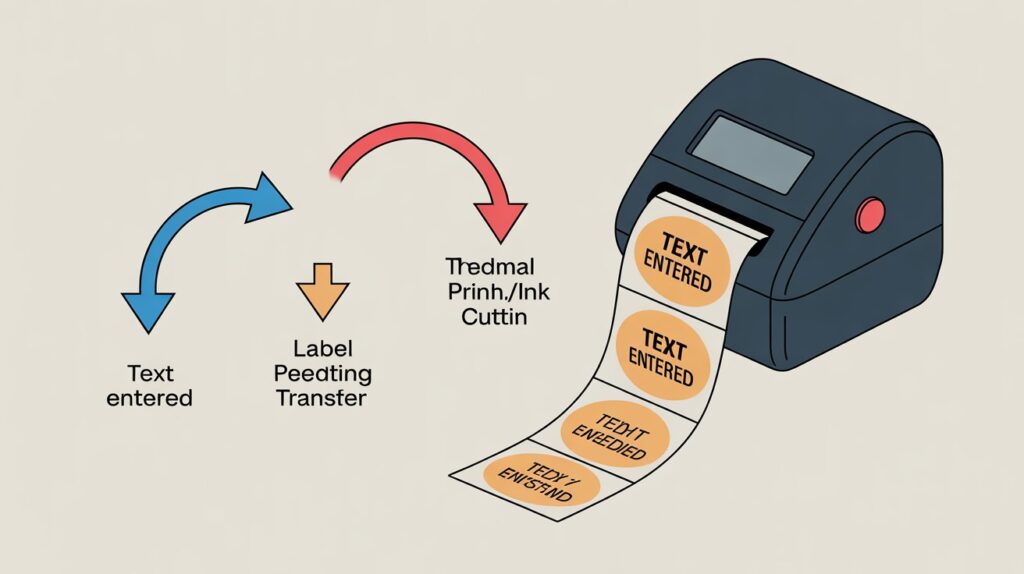
To understand how do label makers work, let’s look at the step-by-step process:
1. 🖊️ Inputting Text or Design
- You type your text using the built-in keyboard or an app (for smart label makers).
- Some models allow symbols, barcodes, and even QR codes.
2. 🔥 Printing Mechanism
There are two main printing technologies in label makers:
a) Direct Thermal Printing (Most Common):
- Heat-sensitive label tape reacts to the print head.
- When heat is applied, the paper turns black in specific areas, forming letters and symbols.
- No ink or toner is required.
b) Thermal Transfer Printing (Professional Models):
- Uses a ribbon coated with wax or resin.
- Heat moves the ink from the ribbon onto the label’s surface.
- Produces more durable labels (great for industrial use).
c) Ink-Based Printing (Older/Basic Models):
- Some older label makers used ink cartridges, but they are less common today.
3. ✂️ Cutting Mechanism
- Once printing is done, you press the cut button (either manual or automatic).
- A small blade inside slices the label neatly.
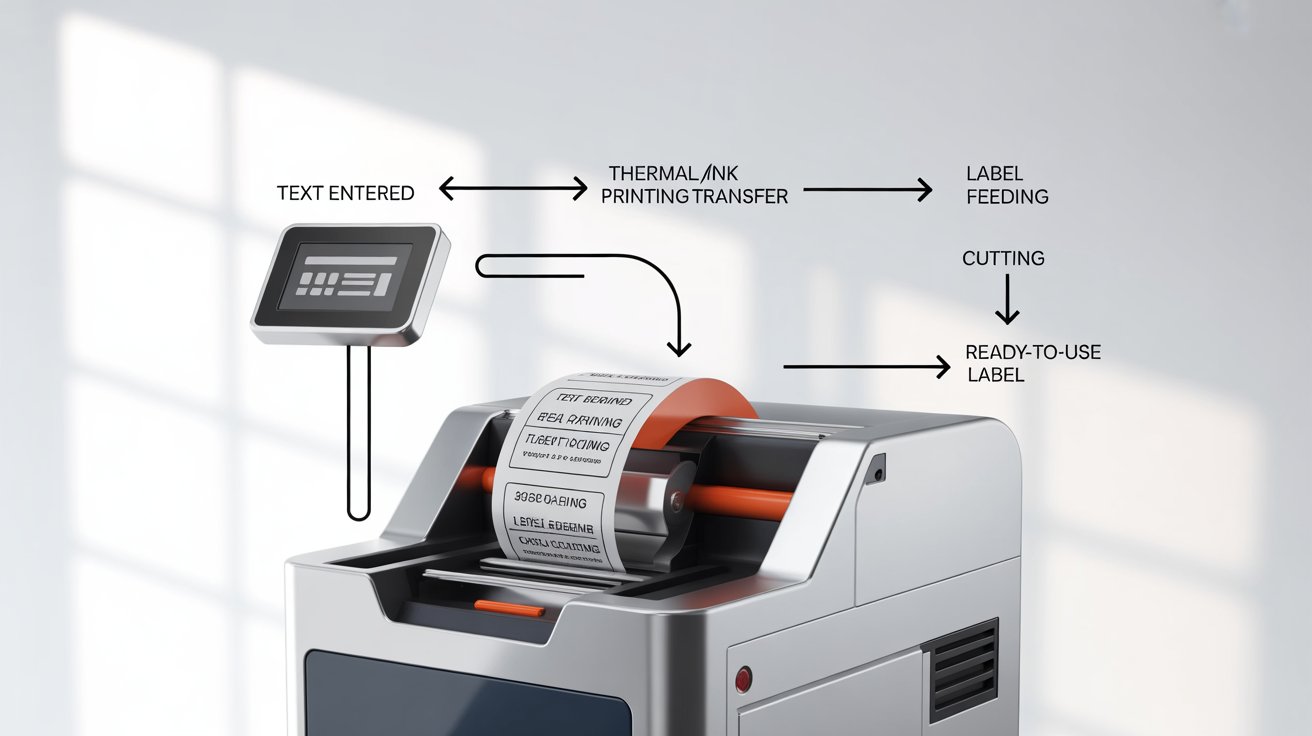
👉 In short: You type → Printer head heats → Label tape reacts → Label is cut and ready to use!
📱 Examples: How Popular Label Makers Work
- How does a DYMO label maker work?
DYMO label makers usually use direct thermal printing. You type your text, the thermal head prints on heat-sensitive tape, and then you cut the label. - How to work a Brother label maker?
Brother P-touch models use laminated thermal transfer tape. This makes labels waterproof and long-lasting, perfect for industrial or outdoor use. - How do thermal label printers work?
They work solely with heat—no ink involved, only thermal tape. That’s why they’re cost-effective and low-maintenance.
🌟 Why Are Label Makers Important?
Label makers make life easier and more organized. They are important because they:
- Save time compared to handwritten labels
- Look neat and professional
- Provide durability (resistant to water, smudges, and fading)
- Help in office, home, school, and industrial organization
✅ Advantages of Label Makers
- Easy to use (no printing skills required)
- Portable and lightweight
- Inkless models save money on cartridges
- Wide variety of tapes (clear, colored, waterproof, laminated)
- Durable results for long-term labeling
❌ Disadvantages of Label Makers
- Limited font/design options (in basic models)
- Thermal labels may fade over time if exposed to heat/sunlight
- Tape cartridges can be expensive
- Not ideal for high-resolution graphics or photos
🏠 Common Uses of Label Makers
Here’s where you’ll find label makers most useful:
- Home: Label kitchen jars, storage bins, clothes boxes.
- Office: Organize files, folders, and desk supplies.
- School: Mark notebooks, stationery, and projects.
- Industrial/Business: Create shipping labels, barcode tags, product labels.
⚡ Pro Tips for Using Label Makers
- Choose the right tape (laminated for outdoor, basic for indoor).
- Store thermal labels away from heat to prevent fading.
- Keep the print head clean for sharper labels.
- Use auto-cut functions (if available) for neat, quick results.
🛑 Common Mistakes to Avoid
- Using the wrong tape type for the wrong environment
- Leaving extra blank space (wasting tape)
- Not cleaning the cutter blade, which can cause uneven cuts
- Expecting photo-quality prints (label makers are for text/graphics only)
📊 Quick Comparison: Direct Thermal vs Thermal Transfer
| Feature | Direct Thermal | Thermal Transfer |
|---|---|---|
| Ink Needed | No | Yes (ribbon) |
| Durability | Medium (may fade) | High (resistant to heat & chemicals) |
| Best For | Home, office | Industrial, long-term labels |
❓ FAQs About Label Makers
1. How do label makers work without ink?
Most modern label makers use direct thermal printing. Heat reacts with special tape, so no ink or toner is needed.
2. Do label makers work with all types of tape?
No. Each brand (like Brother or DYMO) has its own compatible tape types, such as laminated, clear, or waterproof.
3. Which is better: DYMO or Brother label makers?
- DYMO: Affordable, great for simple labeling.
- Brother: More durable labels, wide tape options, better for heavy use.
🎯 Final Thoughts
Now you know how do label makers work—from the printing mechanism to the cutting process. Whether it’s a DYMO, Brother, or thermal label printer, the principle is the same: type, print, cut, and stick.
Label makers are simple yet powerful tools that help you stay organized at home, in the office, or even in industrial settings.
👉 Next time you pick up a label maker, you’ll know exactly what’s happening inside!