If you love capturing memories on your phone and want to print them instantly, the Canon Ivy printer might be exactly what you need. But many people wonder: how does the Canon Ivy printer work? Let’s break it down step by step in simple terms so you can understand what makes this little gadget so powerful.
📸 What is the Canon Ivy Printer?
The Canon Ivy is a portable mini photo printer that connects to your smartphone via Bluetooth. It allows you to print 2×3-inch photos instantly — no bulky machines, no ink cartridges. Instead, it uses special paper technology.
Think of it as your pocket photo booth — fun, fast, and perfect for travel, parties, or scrapbooking.
- ✔️ Pocket-sized design
- ✔️ Works with iOS & Android through the Canon Mini Print app
- ✔️ Uses ZINK (Zero Ink) paper
- ✔️ Prints in under a minute
⚙️ The Technology Behind Canon Ivy: What is ZINK Printing?
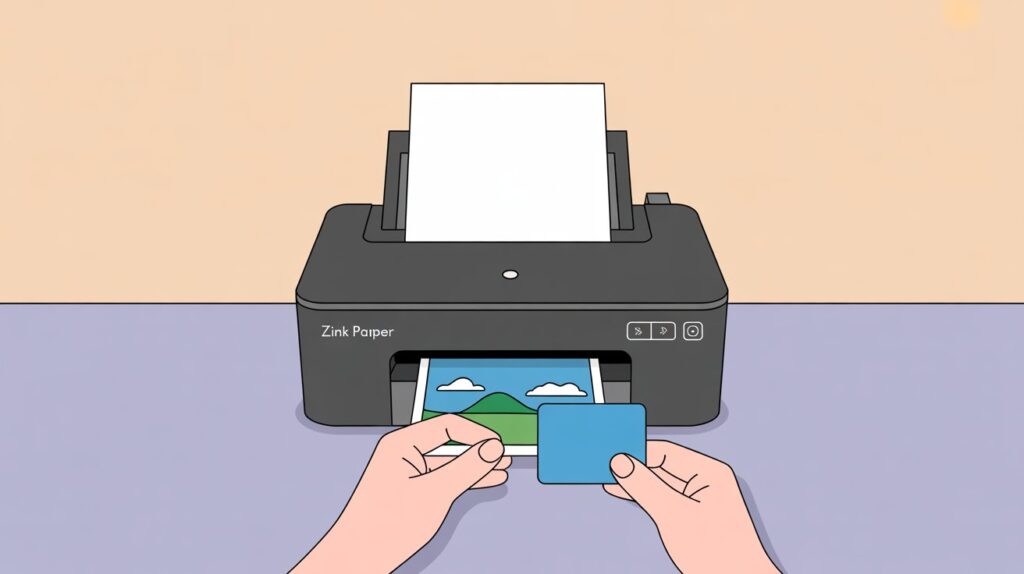
So, how does the Canon Ivy printer work without ink cartridges? The answer is ZINK (Zero Ink) technology.
🔹 How ZINK Paper Works
- ZINK paper contains three layers of dye crystals: cyan, magenta, and yellow.
- These crystals are invisible until activated by heat.
- When the Canon Ivy applies different heat pulses, the crystals react to create full-color images.
- Since the color is already embedded in the paper, no ink or toner is needed.
👉 Related keyword fit: how does ZINK paper work, how does ZINK photo paper work
🖨️ How Does the Canon Ivy Printer Work? Step-by-Step
Let’s lay it out as a clear, easy step-by-step guide.
✅ Step 1: Connect Your Phone
- Download the Canon Mini Print app.
- Pair your phone with the Canon Ivy using Bluetooth.
✅ Step 2: Load the Paper
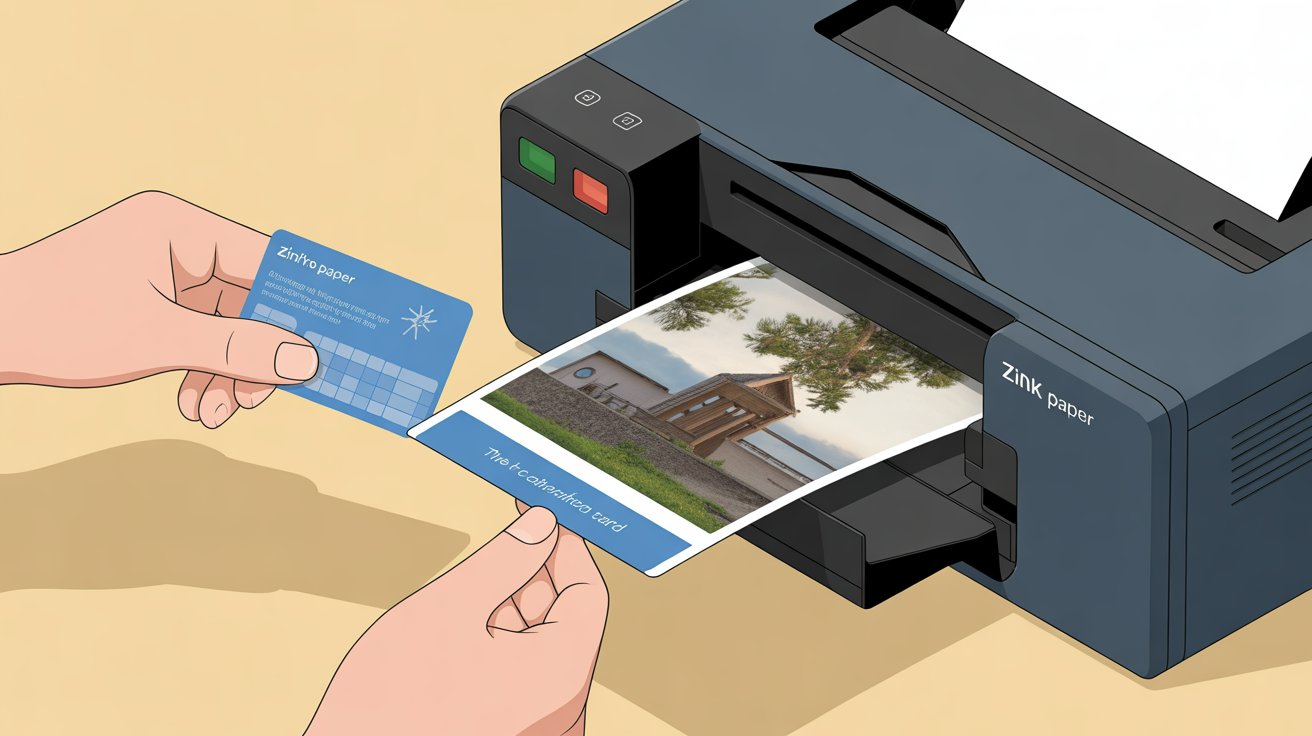
- Insert a pack of Canon ZINK photo paper into the printer.
- Each pack includes a blue calibration card (for color accuracy).
✅ Step 3: Choose a Photo
- Open the app and select a picture from your gallery or social media.
- Add filters, frames, stickers, or text if you want.
✅ Step 4: Printing with Heat Activation
- The printer delivers heat pulses using its thermal printhead.
- The dye crystals within the ZINK paper are activated by heat to produce colors.
- Cyan, magenta, and yellow layers combine to create your photo.
✅ Step 5: Photo Comes Out Instantly
- In under a minute, your smudge-resistant, tear-proof, sticky-backed photo is ready.
- You can peel off the adhesive backing to stick it in scrapbooks, walls, or journals.
👉 This explains how does the Canon Ivy printer work step by step.
🎉 Benefits of the Canon Ivy Printer
Why do so many people love mini photo printers like Canon Ivy? Here are the biggest advantages:
- ✅ No ink required – saves money on cartridges
- ✅ Instant photo printing – ready in under a minute
- ✅ Small and portable – easily fits into your pocket or bag.
- ✅ Customizable prints – edit with filters & stickers via the app
- ✅ Smudge-proof & water-resistant photos
- ✅ Bluetooth connectivity – no wires needed
👉 Similar devices: HP Sprocket, Canon Mini, Canon Selphy.
⚠️ Limitations of the Canon Ivy Printer
While fun and convenient, Canon Ivy does have some drawbacks:
- ❌ Small print size (only 2×3 inches)
- ❌ ZINK paper is expensive compared to traditional prints
- ❌ Photo-only use – no documents or large-size prints
- ❌ Battery-powered – needs frequent charging if used a lot
👉 Related keyword fit: how does the Canon Mini printer work, how does the Canon Selphy work
🎯 Common Uses of Canon Ivy Printers
You might wonder, who actually needs a mini photo printer? Here are the most popular use cases:
- 🎉 Parties & events – print fun memories on the spot
- ✈️ Travel photos – create instant souvenirs
- 📒 Scrapbooking – decorate albums with sticky-back photos
- 📱 Social media pics – turn digital selfies into physical keepsakes
- 🎁 Gifts – print and share photos instantly with friends & family
📊 Summary Table – Canon Ivy at a Glance
| Feature | Details |
|---|---|
| Printing Technology | ZINK (Zero Ink – heat-activated dye crystals) |
| Photo Size | 2×3 inches |
| Connectivity | Bluetooth, Canon Mini Print app |
| Benefits | Portable, no ink, instant printing, customizable |
| Limitations | Small size, ZINK paper cost, photo-only use |
| Common Uses | Parties, travel, scrapbooks, instant gifts |
❓ FAQs – How Does the Canon Ivy Printer Work?
1. Do I need ink for Canon Ivy?
No. The Canon Ivy uses ZINK paper, which has color crystals built inside. Heat activates the colors — no ink or toner required.
2. Is Canon Ivy the same as HP Sprocket?
Both are portable ZINK printers. Canon Ivy is very similar to HP Sprocket, but they have different apps and slightly different designs.
3. Can I print documents with Canon Ivy?
No. The Canon Ivy is designed for small 2×3-inch photos only, not text documents.
🚀 Final Thoughts – Should You Get the Canon Ivy?
So now you know how does the Canon Ivy printer work — a tiny, portable photo printer that turns your digital photos into instant keepsakes. If you love scrapbooking, travel, or sharing photos instantly, it’s a fantastic gadget.
But keep in mind:
- It’s not for large prints.
- ZINK paper costs more than standard prints.
👉 If you want an instant photo printer with no ink hassle, the Canon Ivy (and alternatives like HP Sprocket or Canon Selphy) are worth considering.
✅ Your turn: Would you use the Canon Ivy for travel photos or scrapbooking? Try it out and start printing your memories instantly