Printing photos instantly has become fun, stylish, and super convenient with mini printers like the HP Sprocket. If you’ve ever wondered, “how does sprocket printer work?”, this guide will break it down for you in simple terms.
You’ll learn what it is, how the technology works, step-by-step printing process, benefits, limitations, and where you can use it.
📸 What Is an HP Sprocket Printer?
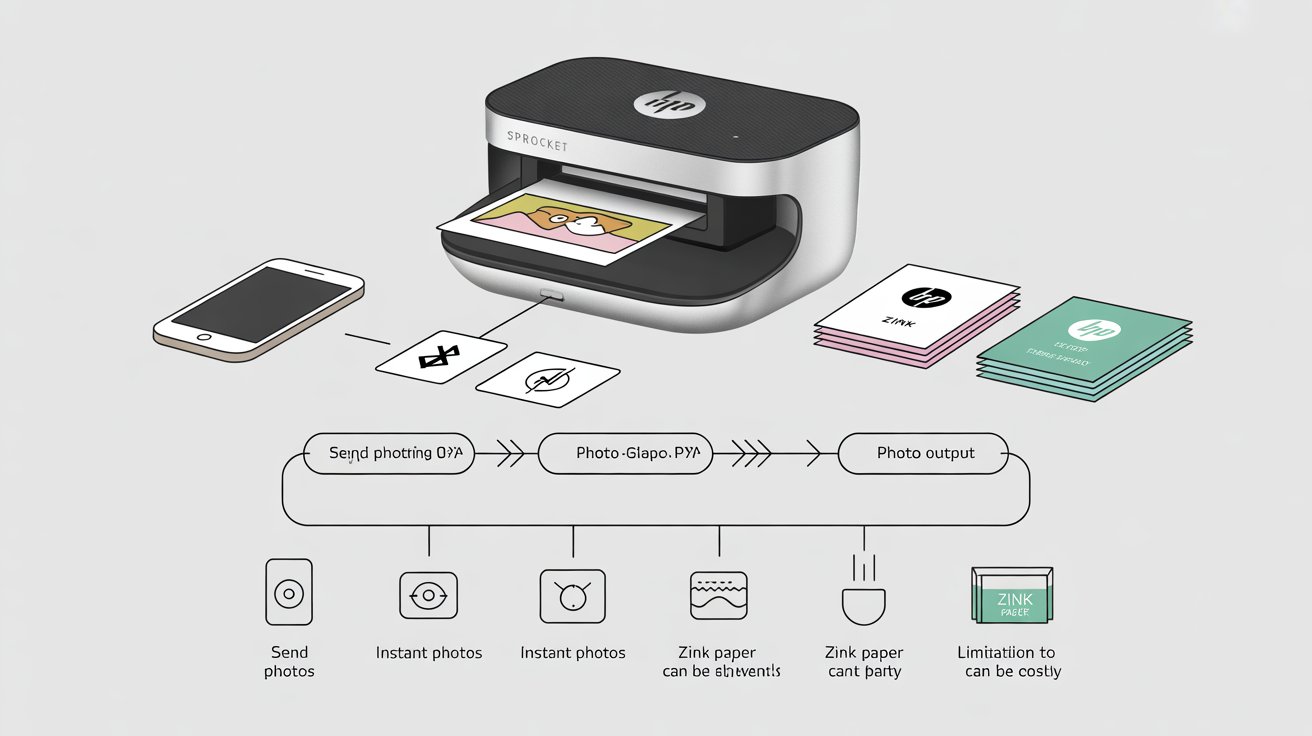
An HP Sprocket printer is a small, portable photo printer that fits in your pocket. Unlike big office printers, it’s designed mainly for printing instant photos from your smartphone.
- 🎯 Target use: casual printing, events, and travel.
- 📱Connects to your phone through Bluetooth using the HP Sprocket App.
- 🖨️ Prints only small, wallet-size photos (2×3 inches).
- 🧳 Compact and lightweight – easy to carry anywhere.
So when someone asks “how does a HP Sprocket work?”, The explanation is straightforward: it relies on special paper and heat instead of ink cartridges.
🔬 The Technology Behind It: ZINK (Zero Ink)
The HP Sprocket printer doesn’t use traditional ink. Instead, it uses ZINK paper (Zero Ink) technology.
Here’s how it works:
- ZINK paper contains dye crystals embedded within its layers.
- When heated, these crystals activate and change color.
- This process creates a full-color image without ink.
👉 This is why you don’t need to buy ink cartridges, making sprocket printers easy and mess-free.
⚙️ How Does Sprocket Printer Work? (Step by Step)
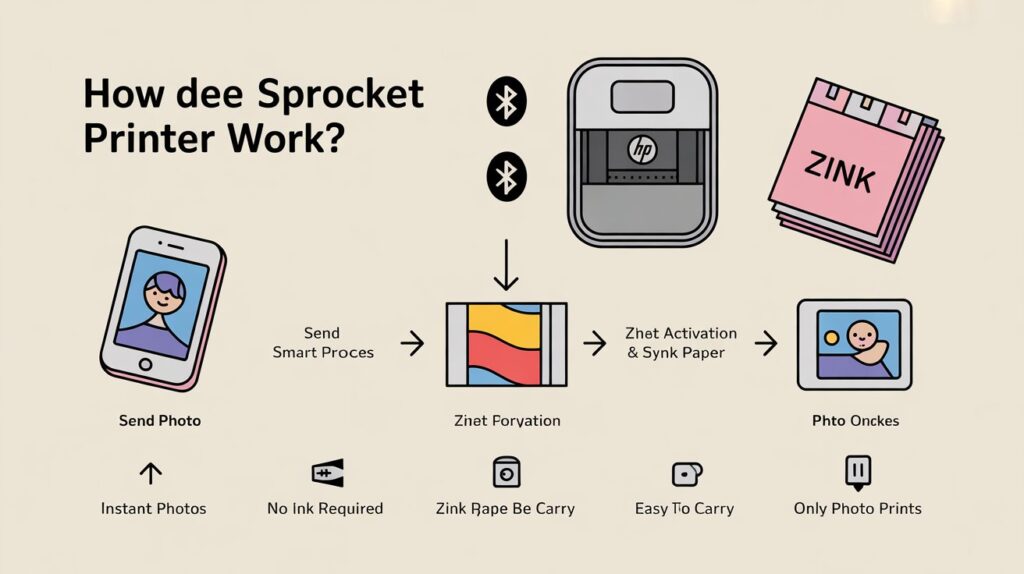
Let’s walk through the process step by step so you can clearly understand.
Step 1: Load the ZINK Paper
- Open the printer cover.
- Insert HP ZINK photo paper (2×3 inches).
- Make sure the blue calibration sheet is at the bottom.
Step 2: Connect via Bluetooth
- Turn on the printer.
- Pair it with your phone using Bluetooth.
- Open the HP Sprocket App.
Step 3: Select a Photo
- Choose a picture from your phone gallery or social media.
- Customize it with stickers, filters, or text in the app.
Step 4: Printing Process
- The app sends the file to the printer.
- The printhead applies heat at precise points.
- Heat triggers the dye crystals inside the ZINK paper.
- Colors blend together to form your final photo.
Step 5: Get Your Photo
- In about 30–40 seconds, your photo slides out.
- Peel off the sticky back (optional) and use it as a sticker.
✅ That’s it! That’s how does sprocket printer work in real life — fast, fun, and portable.
🌟 Benefits of HP Sprocket Printers
Here’s why people love them:
- 🎉 Instant Printing – Get photos in under a minute.
- 🖼️ No Ink Needed – Saves money on cartridges.
- 📱 App Integration – Edit and personalize your photos easily.
- 🧳 Portability – Small enough to carry in your bag or pocket.
- 🎁 Fun for Events – Perfect for parties, weddings, or travel scrapbooks.
⚠️ Limitations of Sprocket Printers
Of course, there are some downsides too:
- 📏 Small Print Size – Only 2×3-inch photos.
- 💰 ZINK Paper Cost – Special paper can be pricey.
- 🎨 Photo Quality – Good for fun use, but not as sharp as pro printers.
- 🖨️ Not for Documents – Only designed for photos, not text printing.
🎯 Common Uses of HP Sprocket Printers
You might be wondering — what do people actually use these for?
- 🎉 Parties & Weddings – Print fun photos instantly for guests.
- 🌍 Travel – Capture and print memories on the go.
- 📒 Scrapbooking – Create photo journals with peel-and-stick prints.
- 🎁 Gifts – Print and share mini photos as keepsakes.
📊 Summary Table: HP Sprocket at a Glance
| Feature | Details |
|---|---|
| Printing Technology | ZINK (Zero Ink) |
| Paper Size | 2×3 inches (sticky-back optional) |
| Connectivity | Bluetooth + HP Sprocket App |
| Speed | ~30–40 seconds per photo |
| Ink Required | ❌ No ink cartridges |
| Best For | Instant photo sharing, fun events, travel |
🙋 FAQs on How Does Sprocket Printer Work
1. How does an HP Sprocket work without ink?
It uses ZINK paper, which has dye crystals that change color when heated — no ink cartridges needed.
2. Can I use regular paper in a Sprocket printer?
No ❌.It functions exclusively with HP ZINK photo paper made specifically for it.
3. Is the photo quality as good as a photo lab?
Not quite. It’s good for casual use, events, and fun printing, but not professional-level prints.
✅ Final Thoughts & Call to Action
Now you know exactly how does sprocket printer work — it’s all about ZINK technology, heat, and convenience.
If you want a fun, portable, and easy-to-use photo printer, the HP Sprocket is a great choice. It’s not meant for office work, but it’s perfect for instant photo sharing with friends and family.
👉 Ready to try it? Grab your HP Sprocket and start printing memories today!