Printing has become a daily part of your life—whether it’s for school, office, or home use. Among the most reliable and widely used printers is the laser jet printer. But have you ever wondered how a laser jet printer works behind the scenes? Understanding this process not only helps you use your printer better but also saves money on maintenance and troubleshooting.
In this guide, you’ll learn what a laser jet printer is, how it works step by step, why it’s important, its pros and cons, and practical examples.
🖨️ What is a Laser Jet Printer?
A laser jet printer is a type of printer that uses a laser beam and toner powder to produce high-quality text and images on paper. Unlike inkjet printers that spray liquid ink, laser jet printers rely on static electricity, heat, and toner to print quickly and precisely.
👉 Simply put: Instead of using liquid ink, it uses powder and a laser beam to “draw” the image on the paper.
⚙️ How a Laser Jet Printer Works Step by Step
Let’s break down how a laser jet printer works in simple terms:
1. Data Transfer 📂
- You send a file from your laptop, phone, or WiFi network.
- The printer’s controller processes the data and converts it into a printable format.
2. Charging Process ⚡
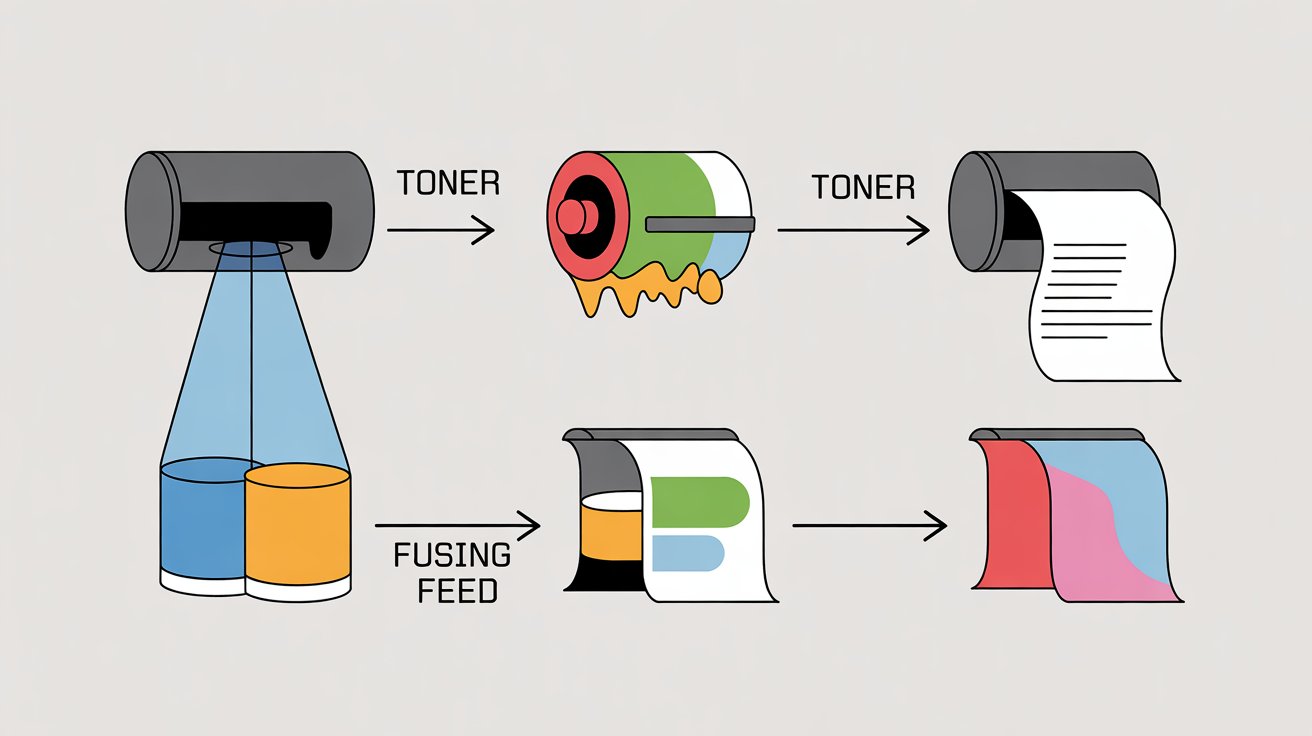
- Inside the printer, the drum (photoreceptor) is given an even negative charge.
- This readies the drum to draw toner only onto selected areas.
3. Laser Scanning 🔦
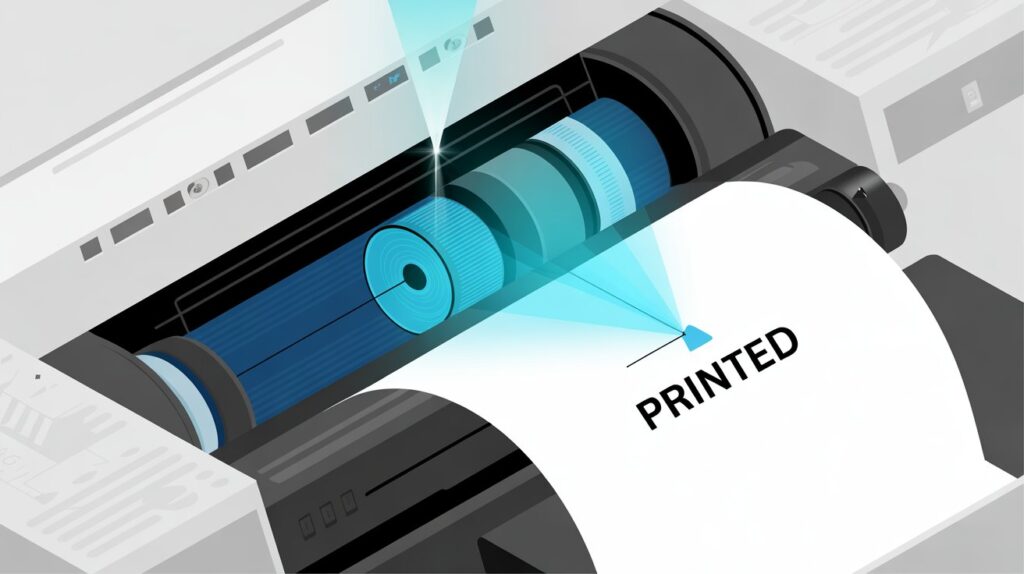
- The printer’s laser beam “draws” the text or image on the drum by neutralizing charges in certain spots.
- This forms a hidden “electrostatic image” on the drum.
4. Toner Application 🧴
- The drum rolls over the toner cartridge.
- The toner particles with charge adhere to the neutralized spots traced by the laser.
5. Transfer to Paper 📄
- Paper passes over the drum.
- Toner powder is transferred from the drum onto the paper in the exact shape of your text or image.
6. Fusing Process 🔥
- Heated rollers, known as the fuser, fuse the toner onto the paper.
- This step makes the print permanent, smudge-proof, and sharp.
7. Cleaning Cycle 🧹
- The drum is cleaned of leftover toner.
- It gets recharged and is prepared for the next printing task.
✅ That’s the complete cycle of how laser jet printer works step by step in less than a second!
📱 Why Understanding How a Laser Jet Printer Works is Important
Knowing the process helps you:
- Troubleshoot problems (paper jams, toner issues).
- Reduce maintenance costs.
- Select either an inkjet or laser printer depending on your requirements.
- Understand why laser printers are faster and better for bulk printing.
🌟 Advantages of Laser Jet Printers
- ⚡ Speed – Faster printing compared to inkjet printers.
- 📑 High Volume Printing – Ideal for offices with large workloads.
- 💰 Cost-Effective in Long Run – Toner cartridges last longer than ink.
- 🖨️ Sharp Quality – Crisp text and clean lines for professional use.
- 🔒 Smudge-Free Prints – Once fused, prints don’t smear easily.
⚠️ Disadvantages of Laser Jet Printers
- 💸 High Initial Cost – More expensive than basic inkjet printers.
- 📦 Bulky Size – Takes up more space in small home offices.
- 🎨 Limited Photo Quality – Not as good as inkjets for high-resolution images.
- 🔌 More Power Consumption – Uses heat rollers (fusers) which consume more energy.
🎨 How Do Laser Printers Print Color?
Many beginners wonder: How do laser printers print color if they use toner powder?
- Color laser printers use four separate toner cartridges:
- Cyan (C)
- Magenta (M)
- Yellow (Y)
- Black (K)
These colors are applied in exact blends to create full-color prints. The process is the same as black-and-white printing, but repeated four times—one for each toner color.
🖥️ Examples of Where Laser Jet Printers are Used
- 🏢 Offices – For bulk document printing.
- 📚 Schools & Universities – For reports, notes, and handouts.
- 📊 Businesses – For invoices, contracts, and professional paperwork.
- 📜 Home Users – For homework, forms, and personal use when speed matters.
🔑 Quick Tips for Using a Laser Jet Printer
- ✔️ Keep your printer clean to avoid toner buildup.
- ✔️ Use original toner cartridges for best results.
- ✔️ Don’t overload the paper tray to prevent jams.
- ✔️ Print regularly to keep the drum active.
❓ FAQs About How a Laser Jet Printer Works
1. What is the main difference between inkjet and laser jet printers?
Inkjet printers apply liquid ink directly onto paper, whereas laser printers use toner powder fused with heat to deliver sharper and faster prints.
2. How does a laser jet printer work step by step?
It works in seven stages: charging, laser scanning, toner application, transfer, fusing, cleaning, and recharging. This cycle happens very fast to produce each page.
3. Are laser jet printers good for home use?
Yes ✅ if you print a lot of documents. They’re cost-effective in the long run but may not be ideal for high-quality photos.
🎯 Final Thoughts
Now you clearly understand how a laser jet printer works and why it’s such a reliable choice for both home and office printing. From the laser beam writing the image on the drum to the fuser sealing the toner onto paper, every step is designed for speed, efficiency, and long-lasting prints.
👉 If you print documents frequently and want a fast, cost-effective, and durable solution, a laser jet printer is definitely worth it.